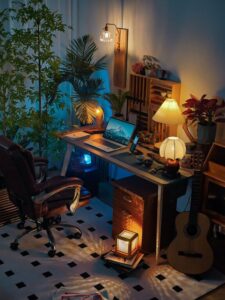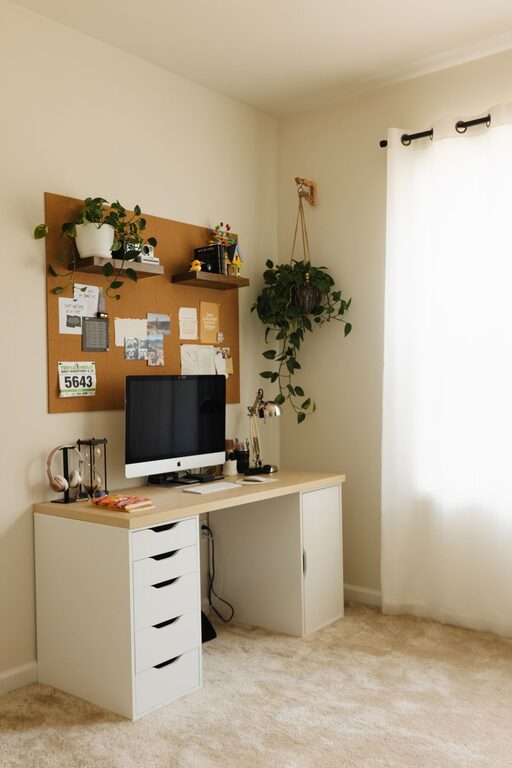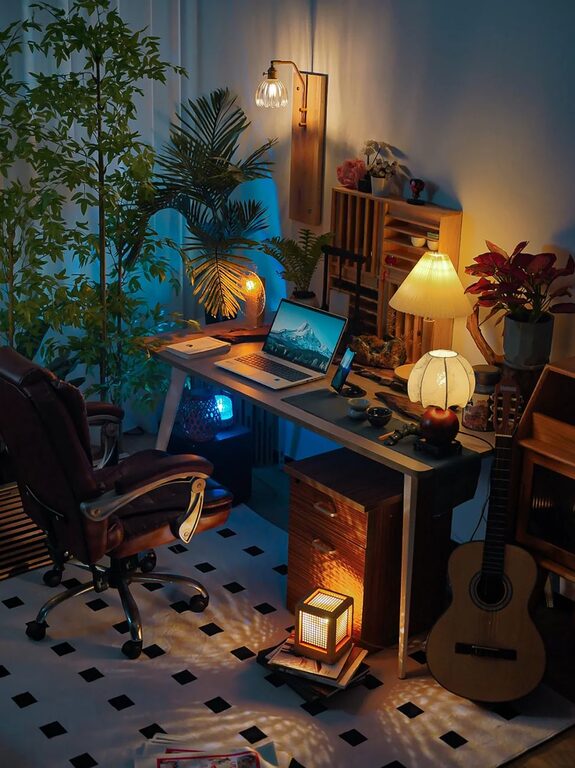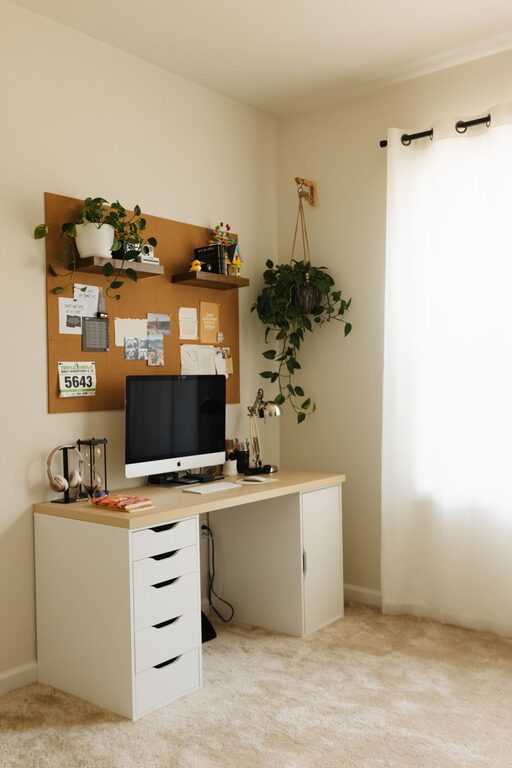
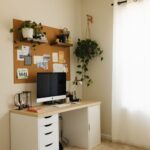





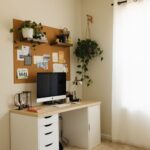

Creating a home office that feels both cozy and productive can transform your work-from-home experience. When your workspace is inviting, organized, and tailored to your needs, it can boost focus, reduce stress, and help you maintain a healthy work-life balance. Whether you have a dedicated room or a corner of your living space, these tips will help you design a home office that inspires efficiency and comfort.
1. Choose the Right Location
The first step is selecting the best spot for your home office. If possible, pick a quiet area away from distractions like noise, TV, or kitchen activity. Natural light is a great advantage—it helps regulate your body clock and improves mood and alertness. Near a window is ideal, but if that’s not an option, invest in good-quality lighting.
Consider these factors:
– Proximity to household traffic
– Access to electrical outlets
– Privacy needs
– Space for desk and storage
2. Invest in a Comfortable Chair and Desk
Ergonomics can’t be overlooked. A supportive office chair reduces back pain and improves posture. Look for adjustable chairs that support your lumbar region. Your desk should be the right height to keep your elbows at a 90-degree angle while typing.
Helpful tips:
– Use an external keyboard and mouse if working on a laptop
– Choose a desk with enough surface area for essential items
– Standing desks or adjustable desks are excellent for varying your posture
3. Optimize Organization and Declutter
A cluttered desk can make your mind feel cluttered too. Keeping your workspace organized helps you find what you need quickly and maintains focus.
Strategies to stay organized:
– Use desk organizers for pens, papers, and small tools
– Keep only daily essentials on your desk; file or store the rest
– Implement cable management to reduce tangled cords
– Use shelves or filing cabinets to store documents
4. Personalize Your Space
Adding a personal touch can make your workspace feel welcoming and inspire creativity.
Ideas include:
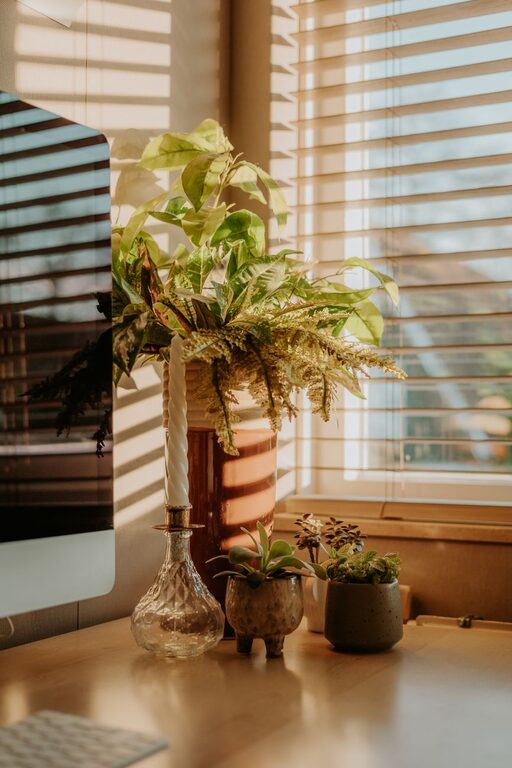
– Adding plants for a touch of nature and freshness
– Displaying artwork or motivational quotes
– Incorporating colors you enjoy through accessories or wall paint
– Using soft textiles like a cozy rug or cushion
5. Manage Lighting Effectively
Good lighting reduces eye strain and keeps you energized.
Tips for lighting:
– Use layered lighting: ambient (ceiling), task (desk lamp), and accent lights
– Opt for daylight bulbs to mimic natural light
– Position your monitor to avoid glare from windows or lights
6. Minimize Noise Distractions
If your home is noisy, consider ways to reduce distractions.
Suggestions:
– Use noise-canceling headphones or white noise machines
– Add soft furnishings like curtains and rugs to absorb sound
– Close doors or use room dividers for separation
7. Maintain a Healthy Work Routine
A productive workspace is also about how you use it.
Practices to consider:
– Set specific work hours and take regular breaks
– Keep water nearby to stay hydrated
– Take short stretches to reduce tension
– Use productivity tools or apps to track tasks
8. Keep Technology Up to Date
Reliable technology supports efficiency.
Check that you have:
– A fast and stable internet connection
– Functional computer and accessories
– Backup options for files, such as cloud storage
Final Thoughts
Designing a home office that balances coziness with productivity is achievable with a bit of planning and intentionality. By focusing on comfort, organization, lighting, and personalization, you create an environment that not only helps you get work done but also makes the experience enjoyable. Remember, your workspace should reflect your work style and support your well-being — take the time to tailor it to your needs.
With these tips in mind, you’ll be well on your way to a home office that feels like your own productive retreat. Happy decorating and working!