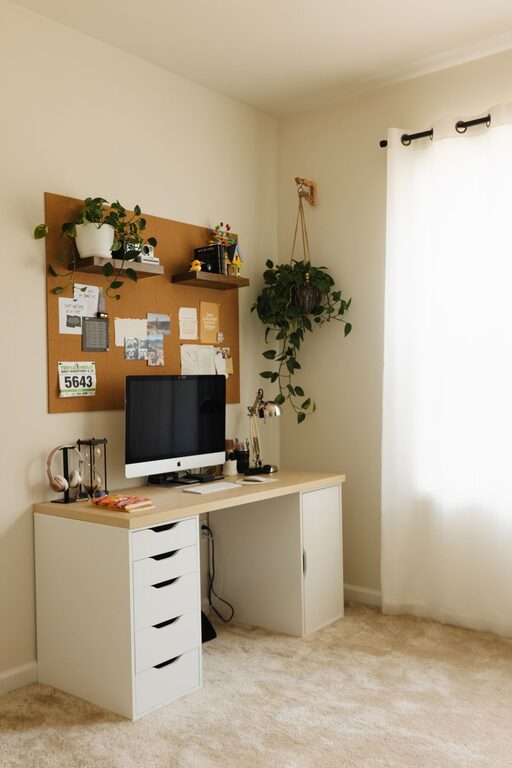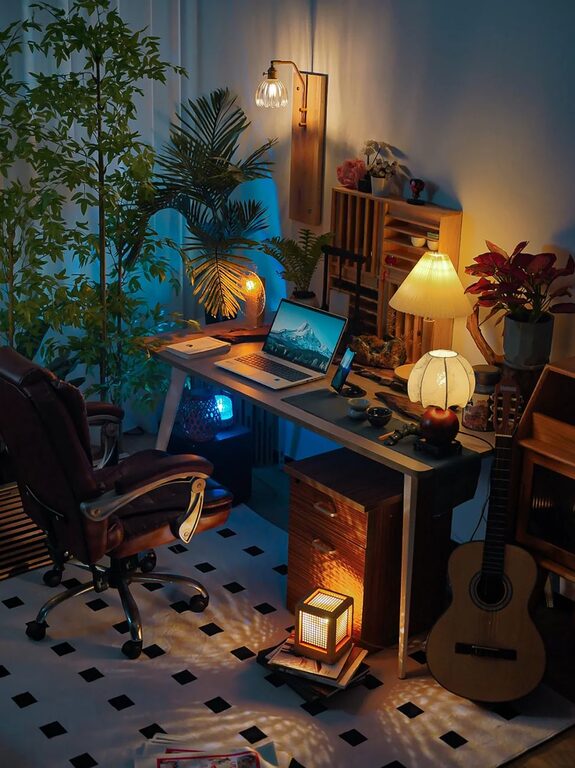






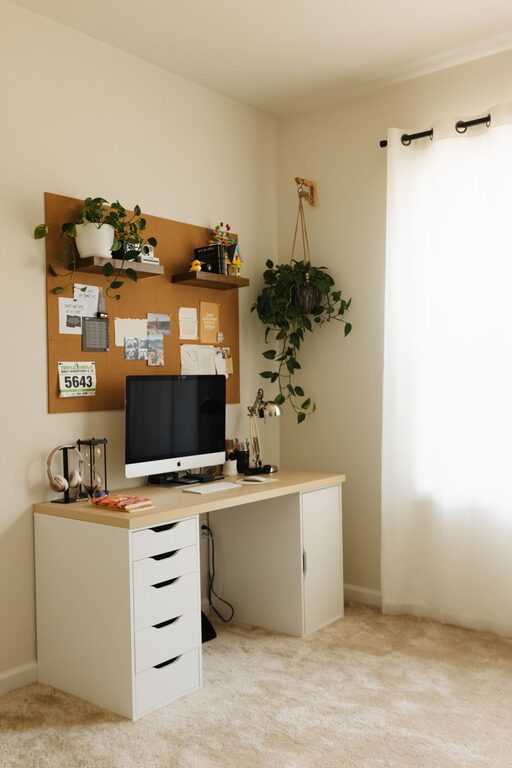
Creating a productive home office environment is essential for anyone working remotely or managing tasks from home. A well-organized and comfortable workspace can significantly impact your focus, motivation, and overall work quality. Whether you have a dedicated room or a small corner, these tips will help you set up an effective home office that suits your needs and promotes productivity.
Choose the Right Location
Find a Quiet Space
Select a spot in your home where you can work without frequent interruptions. Ideally, this should be away from high-traffic areas like the kitchen or living room.
Natural Light Matters
Position your workspace near a window if possible. Natural light helps reduce eye strain, improves mood, and keeps you alert throughout the day.
Consider Your Commute at Home
Even within your house, create a clear physical and mental boundary between your work area and other parts of your home. This helps you switch on and off work mode effectively.
Invest in Comfortable and Functional Furniture
Ergonomic Chair and Desk
Choose an adjustable chair that supports your back and encourages good posture. Your desk should allow enough space for your computer, documents, and other essentials without crowding.
Maintain Proper Screen Height
Your computer monitor should be at eye level to avoid neck and shoulder strain. Use a monitor stand if necessary.
Declutter for Focus
A clean desk reduces distractions. Keep only the items you need during work hours and organize other supplies in drawers or shelves.
Organize Your Supplies and Technology
Use Storage Solutions
Use shelves, filing cabinets, or desk organizers to store paperwork, stationery, and electronic accessories. Label storage containers for quick access.
Cable Management
Tidy up cables with clips or sleeves to avoid tangled wires, which can be both distracting and hazardous.
Reliable Technology Setup
Ensure your internet connection is fast and stable. Keep essential devices such as printers or scanners within reach but tucked away neatly.
Establish a Routine and Minimize Distractions
Set Work Hours
Define your start and end times to maintain a healthy work-life balance. Communicate these hours to family members or housemates.
Take Breaks
Schedule short breaks to stand, stretch, and rest your eyes. This improves productivity and reduces fatigue.
Limit Interruptions
Use noise-canceling headphones, or play soft background music if it helps you concentrate. Inform those you live with about your work schedule to minimize disruptions.
Personalize Without Overdoing It
Add Plants
Incorporate greenery to brighten the space and improve air quality. Plants can also create a calming environment.
Use Motivational Decor
Display items like calendars, inspiring quotes, or your favorite artwork to create a pleasant ambience.
Balance Personal and Professional
While making the space feel inviting is important, avoid cluttering your desk with too many personal items that might distract you.
Focus on Lighting and Air Quality
Use Task Lighting
A good desk lamp can provide focused light to reduce eye strain, especially in the evenings or in rooms with little natural light.
Ventilation Is Key
Keep the room well-ventilated to maintain fresh air. If windows don’t open, consider an air purifier or fan.
Maintain Cleanliness and Adapt Your Space Over Time
Regular Cleaning
Dust and clean your workspace routinely to keep it inviting and reduce allergens.
Evaluate and Adjust
Periodically assess your home office setup. Make changes as your work needs or personal preferences evolve to maintain optimal comfort and productivity.
—
By thoughtfully designing your home office, you can create an inviting, functional space that fosters productivity and wellbeing. Remember, the best environment supports your specific work style and allows you to focus effectively each day.